Personal project, built with an AI coding assistant
DomainCheck
A web app that checks a domain's email and website security and explains the results in plain English. You enter a domain and get a score, ranked fixes with steps for Microsoft 365, Google Workspace and cPanel, and a PDF report. It uses only passive checks: DNS records, the TLS certificate and the home page.
My role
I set the requirements and the scope, made the design decisions and reviewed the work. Claude Code, an AI coding assistant, wrote the code under my direction.
Built with
What it checks
- Nine live checks: SPF, DMARC, DKIM, the TLS certificate and versions, HTTPS and HSTS, security headers, cookie flags and CAA.
- A tenth check asks for a short fixed list of sensitive files, such as
.env. It is built but switched off, because the app can't prove that the user owns the domain.
How the app protects itself
- The app fetches whatever domain a visitor types, which is a server-side request forgery risk. So every outbound request goes through one safe fetcher. It resolves the name first and refuses private, loopback and cloud-metadata addresses. It connects to the address it checked, so a DNS answer that changes can't redirect the request, and it re-checks every redirect. It also caps time and response size.
- Tests cover each of those cases, including a domain that points at an internal address and a redirect to one. A test fails if any other code opens its own connection.
- The app also has a strict content security policy, CSRF protection and rate limits. A GitHub Actions workflow runs the tests, ruff, Bandit and pip-audit.
Limits and what is untested
- Anyone can scan any domain, and the rate limits are per IP address, which is easy to get around.
- It has not been tested with a real screen reader. It is tested against fake DNS and web servers and a local TLS server, and it has been run against one real site. It is not deployed yet.
Screenshots
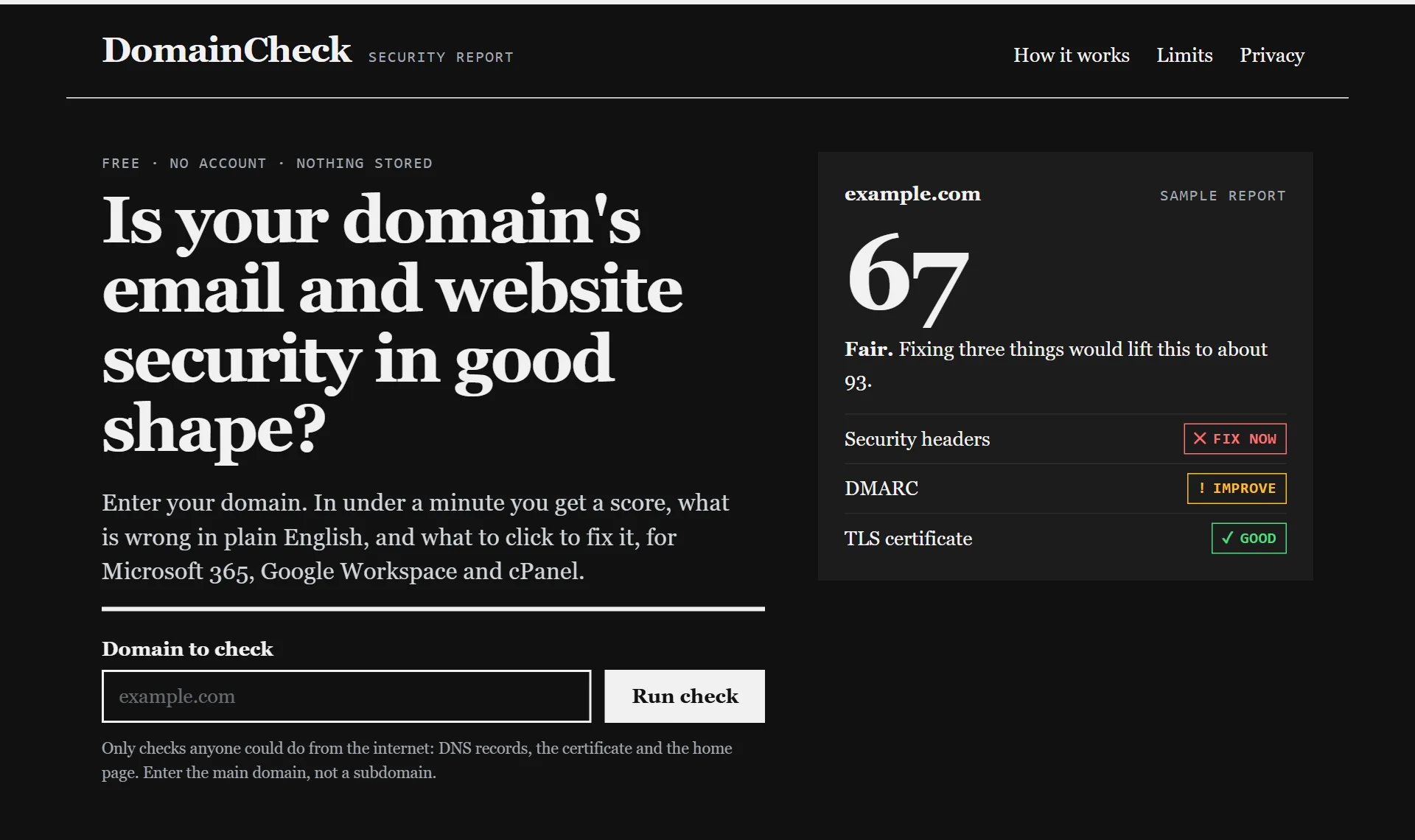
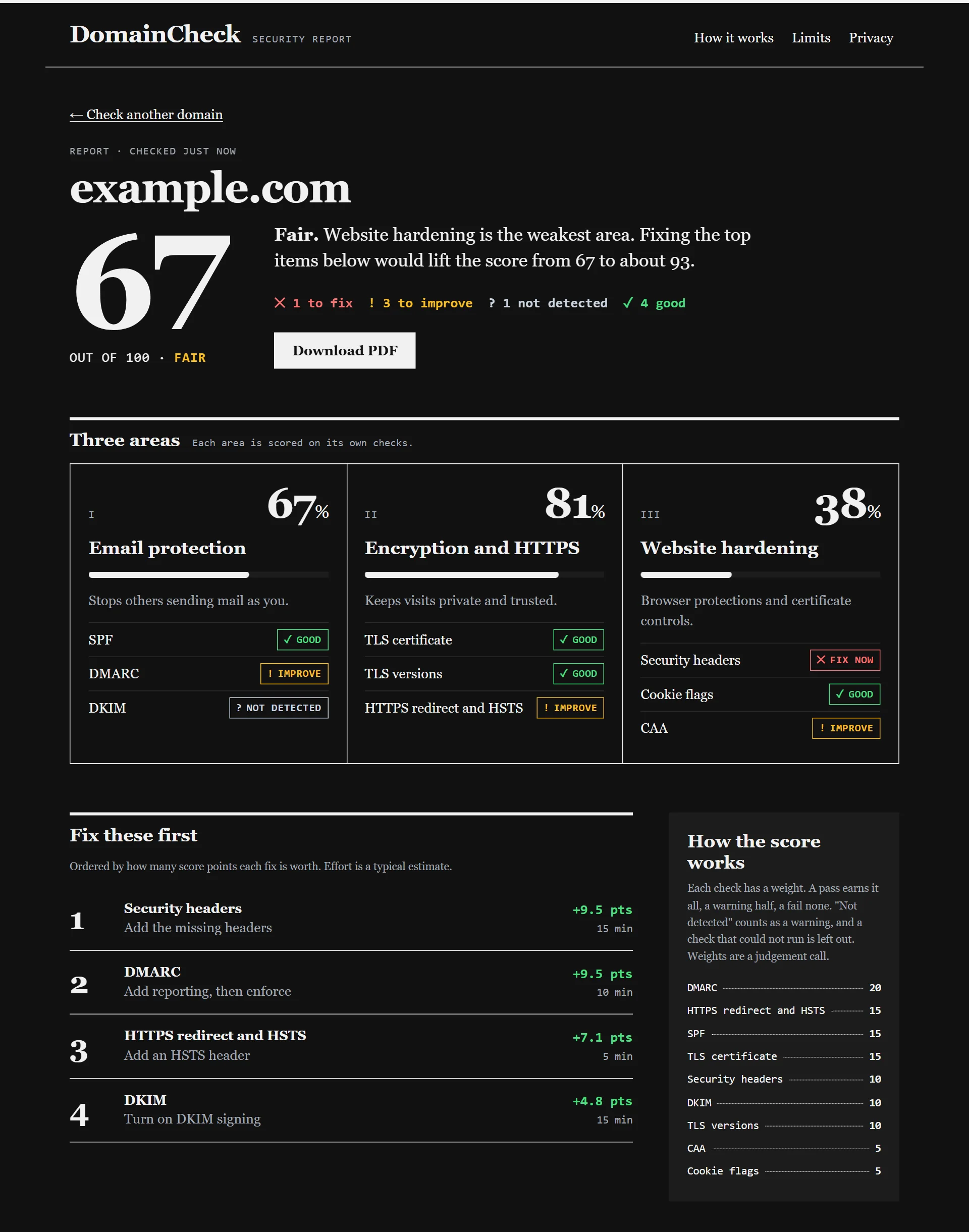
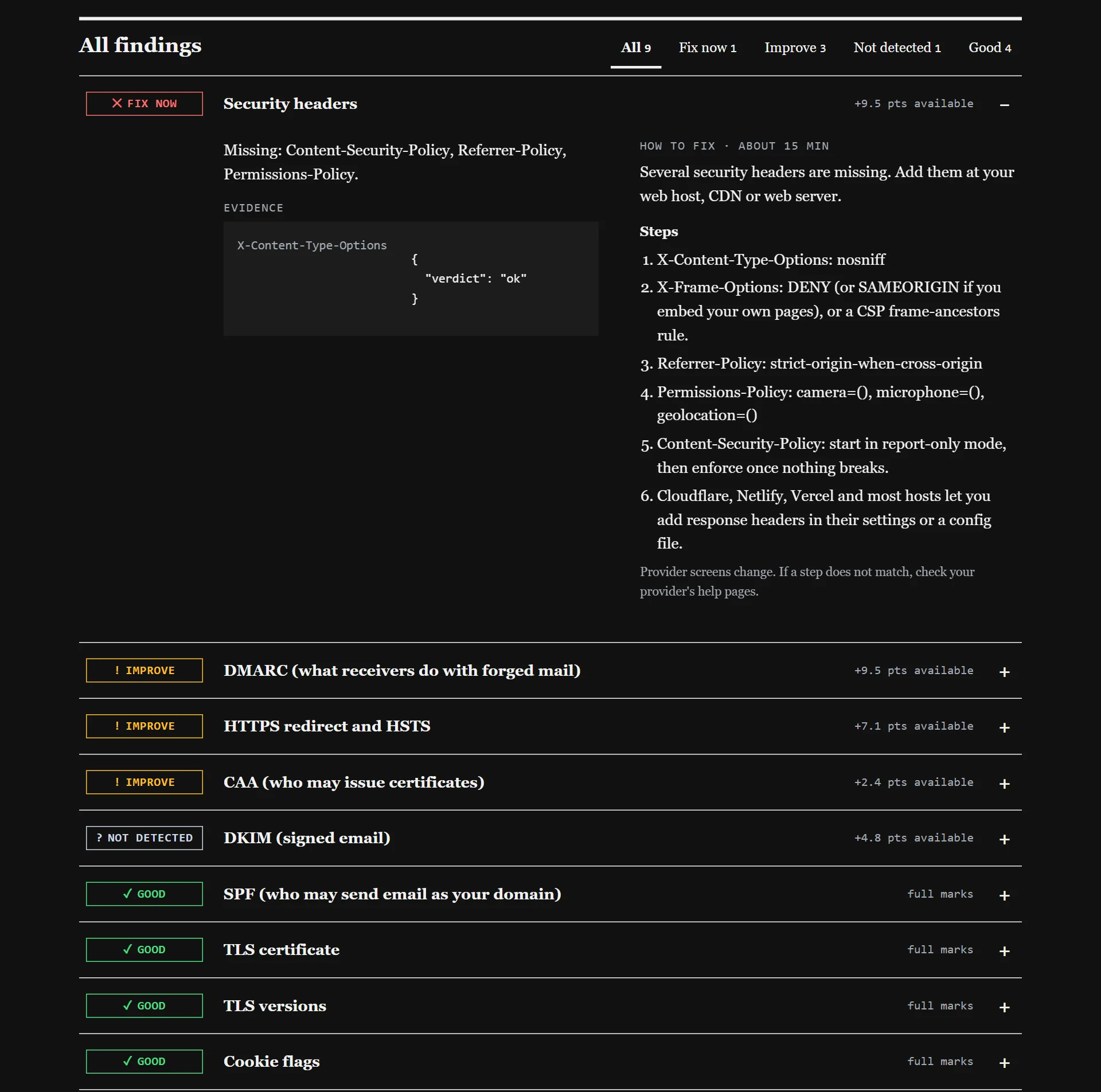
Screenshots show sample data from a demo mode, not a live scan.